Skip to content
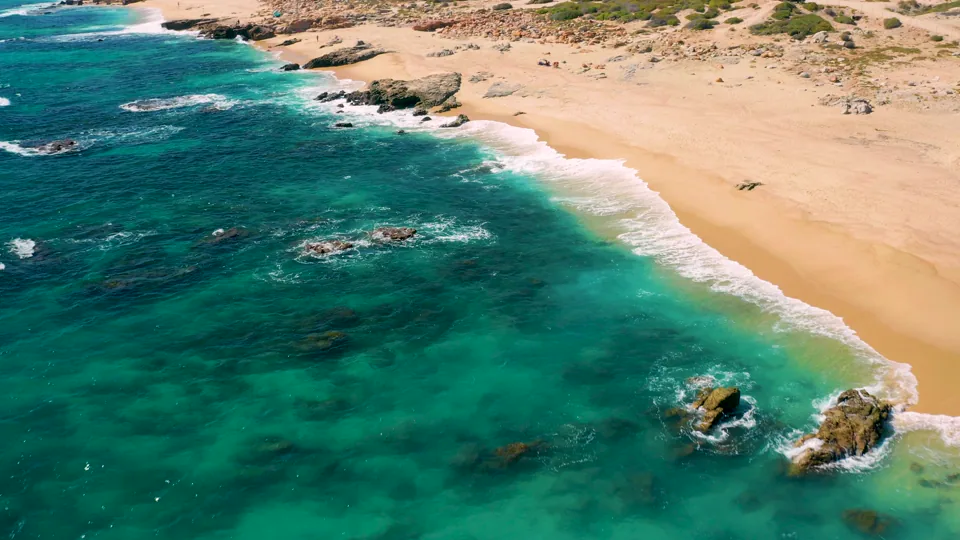
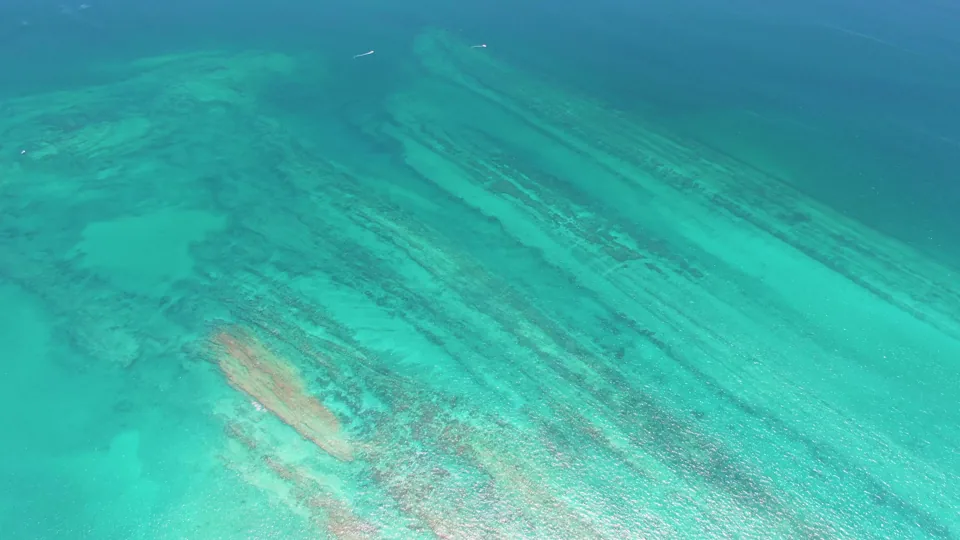
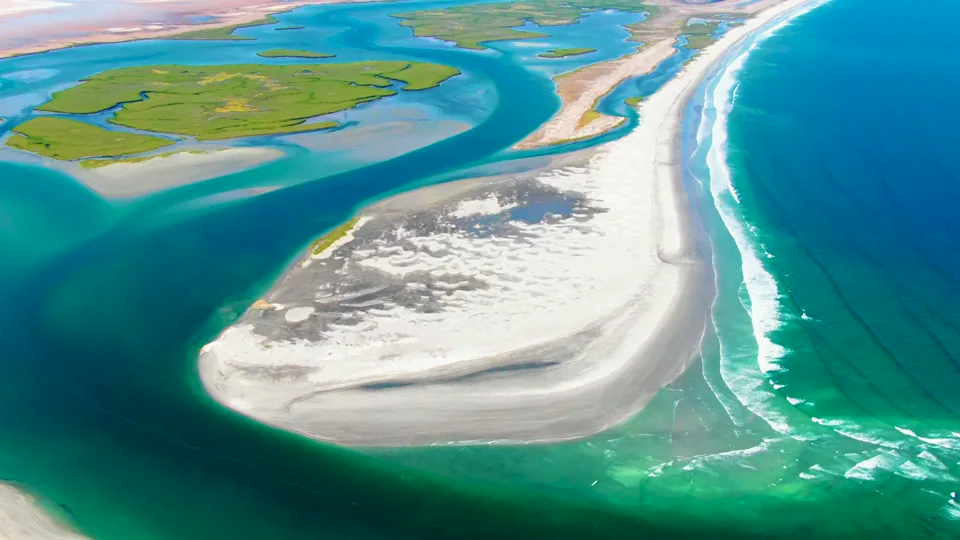
Turquoise water and the sandy East Cape coastline in Baja California Sur

Phil Maher · Filmmaker & owner of footage.cool

Give your audience
a view worth
talking about.

Book Phil for a talk, conference session, podcast or interview about drone filmmaking, shooting remarkable places, and turning footage into an edit that holds attention.

The East Cape, Baja California SurFilmed by Phil · footage.cool

Recent speaking & interviews

Watch Phil in conversation.

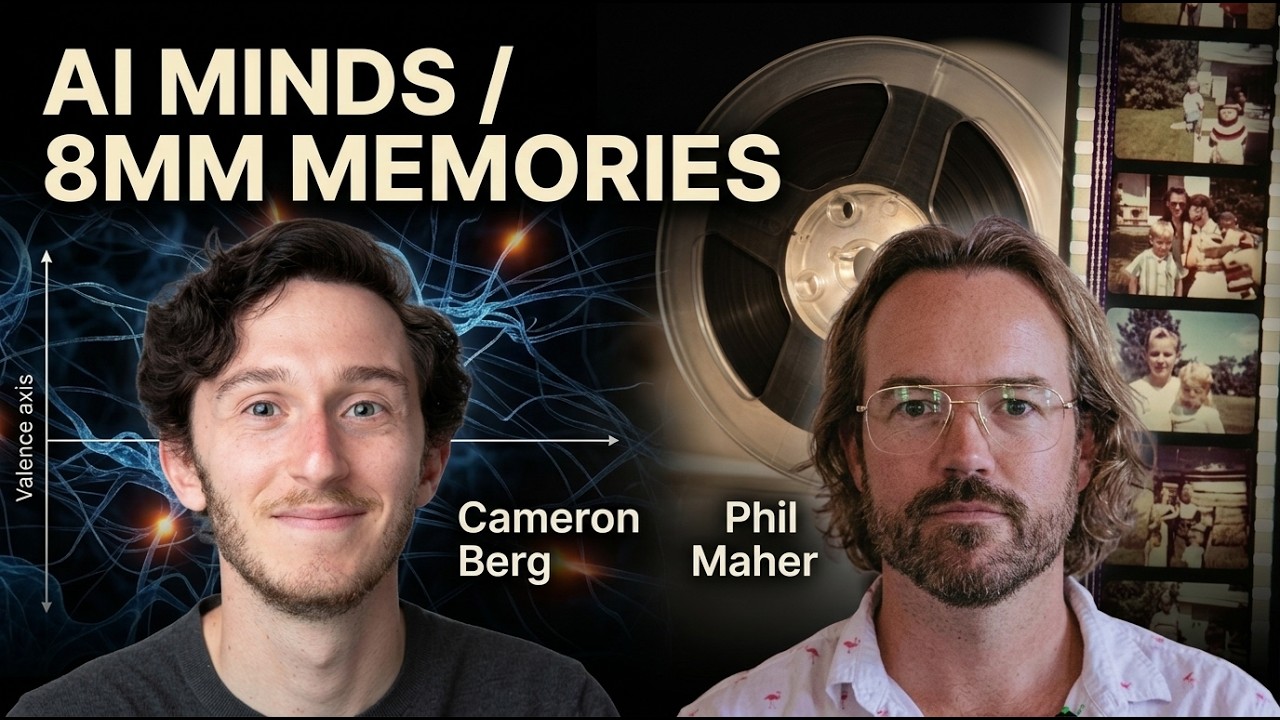
Start with a recent appearance, then explore the full interview, chapters and transcript on Stockfilm.

54,000+Clips in the footage.cool library
2014–2024Years the library was filmed
Air & waterDrone, coastal & underwater footage
One filmmakerPhil shot every clip himself

Start with something you can see

Real places.
A story behind every shot.

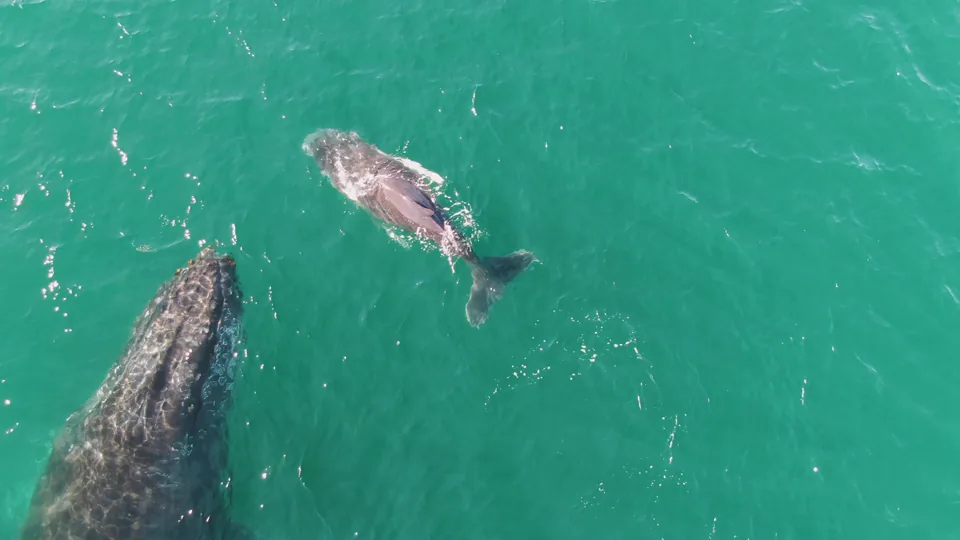
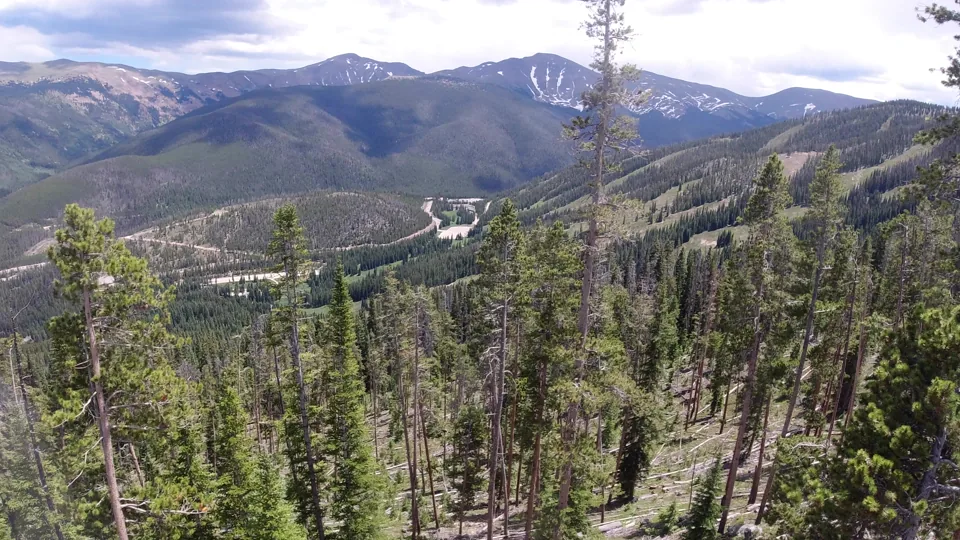
A whale and calf off Punta Gorda. A reef at Cabo Pulmo. Mountain forests in Colorado. Phil can put these clips on screen and talk through where he was, what he saw, and the decisions behind the footage.

Every image and clip comes from Phil’s footage.cool library. Individual clips play as low-resolution catalog previews; clip pages list the licensed master’s resolution.

Explore the filming locations

Six ways into the conversation

Choose the angle
your audience cares about.

Build the appearance around a specific skill, a location, or the work of running footage.cool. These are session ideas to discuss with Phil, with real footage to make each one concrete.

01 / Drone filmmaking

A good aerial starts
before the drone takes off.

Use Phil’s coastal and mountain footage to explore the choices that make an aerial useful in a story: position, light, movement, and what the shot needs to reveal.

  • Pick a subject and a direction of travel before recording.
  • Use foreground, altitude and camera angle to give a landscape depth.
  • Leave room before and after the move so an editor can find the cut.

For drone creators, filmmakers, travel storytellers and production teams.

Ask about this session

02 / Cutting & editing

Beautiful footage.
Now make it hold attention.

Take a selection of footage.cool clips and work through the edit: choosing the strongest moment, trimming the excess, and deciding which shot earns its place next.

  • Find in and out points that keep the action readable.
  • Match movement and screen direction across a cut.
  • Change shot length and scale to control pace and give a sequence variety.

For editors, video teams, film students and creators making short videos.

Ask about this session

03 / Filming Baja & beyond

Get to know a place.
Then find your frame.

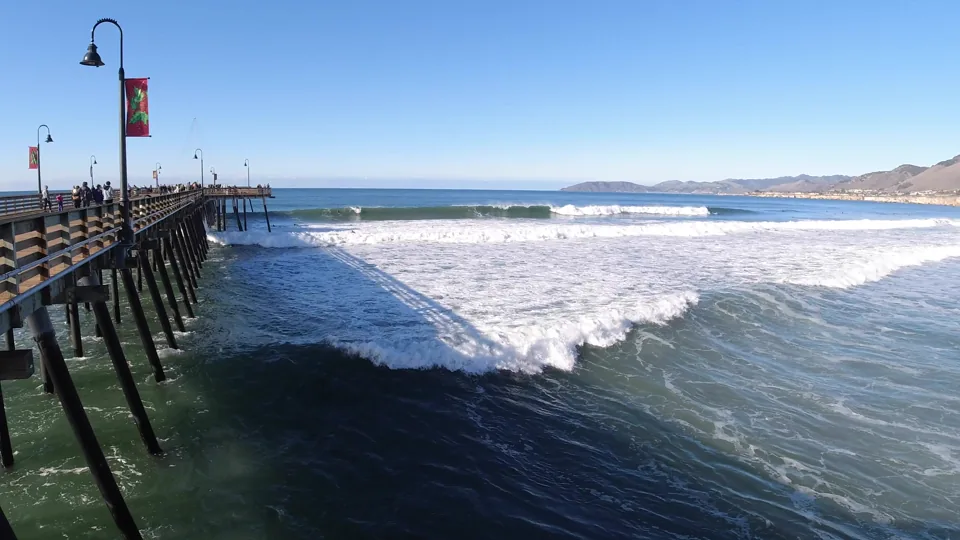
Phil’s library covers Los Cabos, the East Cape, La Paz, Loreto and the Pacific side of Baja, as well as Colorado and California. Explore what changes when a filmmaker returns to a location.

  • Build a location story with a wide view, a closer subject and a small detail.
  • Look for roads, boats, towns and daily life as well as the postcard view.
  • Compare light, weather and camera positions across different shoots.

For travel podcasts, tourism events, documentary teams and location scouts.

Ask about this session

04 / Marine & underwater footage

Tell the story
above and below the surface.

Pair drone footage of whales and shorelines with underwater material and reef views. Discuss how different camera perspectives help an audience understand the same coastal world.

  • Use an aerial to establish the coast, then move closer to the marine subject.
  • Read visibility, reflections and movement when selecting a water shot.
  • Choose cuts that connect wildlife to its surroundings.

For nature audiences, ocean programs, outdoor events and wildlife storytellers.

Ask about this session

05 / Making footage useful

Shoot for the person
who has to cut it.

A clip has to work inside someone else’s film, campaign or episode. Use the footage.cool catalog to discuss coverage, consistency and the difference between a nice view and a shot an editor can use.

  • Capture alternate angles and compositions that leave room for titles.
  • Check focus, horizon and exposure before committing to a take.
  • Organize selects by location and subject so the right shot is easy to find.

For commercial creatives, resort marketing teams, producers and freelancers.

Ask about this session

06 / Building footage.cool

One filmmaker.
A library built to be used.

Phil filmed the entire library and owns its copyright. Talk about the work between a day with the camera and a clip someone can discover, preview, license and download directly.

  • Turn shoots into a searchable collection of individual clips.
  • Keep location details, file organization and master delivery connected.
  • Discuss selling direct and working with the people who need the footage.

For founder interviews, creative businesses and independent filmmakers.

Ask about this session

footage.cool / Phil’s footage in the finished cut61 seconds · 1080p web reel

Inside the cutting room

The shot is only
half the story.

Watch the reel, then use it as a starting point for a session on cutting video. An editor has to decide what comes first, how long to hold it, and where the audience’s eye goes next.

  1. 01
    Choose an opening that earns attention.A whale and calf give the viewer a subject to follow.
  2. 02
    Give each cut a reason.Compare the subject, scale and movement on either side.
  3. 03
    Make pace a conscious choice.A fast reel and a quiet location story call for different holds.
  4. 04
    Build a sequence, then refine it.Discuss trims, color consistency, sound choices and the shots you leave out.
Discuss an editing session

Build it around your audience

On your stage.
In your next episode.

Choose a format and a question worth exploring. The footage gives a talk something to show, a workshop something to work on, and an interview a story to follow.

01 /

Talks &
conference sessions

An illustrated talk, panel or fireside conversation about drone work, location filmmaking, editing, or building footage.cool. Bring the clips into the room and follow the decisions behind them.

Film & creator events · Travel programs · Creative business audiences

Discuss your event

02 /

Workshops &
editing demonstrations

Discuss a session where Phil uses footage.cool material to show how a shot becomes part of an edit. Work through coverage, selection, trims and sequence choices with room for questions.

Film schools · Production teams · Creator communities

Discuss a workshop

03 /

Podcasts &
interviews

The stories behind Baja shoots, what a drone sees that a ground camera misses, the choices in an edit, and the day-to-day work of footage.cool. Start with a clip or location and let the conversation develop.

Audio & video podcasts · Editorial interviews · Remote conversations

Invite Phil onto your show
Phil Maher, filmmaker and owner of footage.cool
Phil Maher / Filmmaker & owner

For hosts & organizers

Meet the filmmaker
behind every frame.

Phil Maher is an independent filmmaker, photographer and the owner of footage.cool. He shot the site’s entire library of more than 54,000 clips with his own cameras and drones between 2014 and 2024. His work covers Baja California Sur, the Colorado Rockies and the California coast, including aerial landscapes, coastal locations, marine wildlife and underwater scenes. Through footage.cool, he licenses that work directly to filmmakers and creators. He can speak about drone filmmaking, location stories, practical video editing and the work of building a footage library.

Phil on LinkedIn

Use this bio in your program or episode notes. For a headshot, a tailored introduction or footage to discuss on your show, include the request in your invitation.

What will the audience take away?

Choose the topic to match the audience. A creator session can focus on planning camera moves and cutting a sequence. A travel conversation can follow the places Phil filmed and the shots that tell their stories. A business interview can explore shooting, organizing and licensing the footage.cool library.

Can the conversation work for an audio podcast?

Yes. Build the episode around the stories and decisions behind a shoot: the location, the subject, the camera position and the edit. Link this page or selected footage.cool clips in your show notes so listeners can see the work afterward.

Can we show footage or include clips in our episode?

Tell Phil what you would like to show and where it will appear. Discuss clip selection, delivery and the relevant usage permission before publication. The catalog’s low-resolution previews let you choose material in advance; the individual clip pages list the available master resolution.

What should we include in a booking inquiry?

The event or show name, audience, proposed dates, format, location or remote setup, topic and budget or honorarium. Add any requests for a live demonstration, a panel discussion, a headshot or footage. Phil can then discuss the fit and availability with you directly.

Let’s talk about your event

What would your
audience love to see?

Tell Phil who you’re bringing together and the conversation you want to have. A conference room, a workshop or a podcast episode can each start with a different piece of footage.

phil@footage.cool

Email Phil directly, or fill in the details to prepare an invitation. Dates, format and any speaking fee are agreed in conversation.

Opens your email app with the details filled in. You review and send the message. Your form details are not saved by this page.

Phil’s footage